
- Line up: touch the ball and slide it sideways before you move your finger up.
- Throw: swipe up, toward the pins, and let go.
- Power: comes from how fast you swipe, not how long the swipe is.
- Direction: depends on how far your finger moves sideways between the start and the end of the swipe.
- Spin or curve: comes from how much you bend the end of the swipe. It's a single control.
- Strike: swipe straight and firmly; speed knocks down more pins.
- No buttons: there's no spin button and no ball weight setting. It all comes from your finger, and the 28 balls only change the look.
- Updated: November 2026 (version 5.0.0).
Free, with ads and no in-app purchases. Android 7.1 or later.
How to throw the ball, step by step
It takes three steps:
- Touch the ball. The swipe only starts if your finger touches the ball, inside the play area and above the ad banner.
- Line it up. At first, while your finger has barely moved up, the ball follows it from side to side. That's how you choose where to throw from.
- Swipe up and let go. The on-screen prompt during play tells you the same thing: swipe the ball toward the pins.
Once the ball is on its way, you can't grab it again.
How to curve the ball and add spin - power, direction and hook
Power depends on speed, not on how long the swipe is. The faster you swipe, the harder the ball goes, up to a limit: swiping even faster adds no extra power.
Direction comes from how far your finger moves sideways over the whole swipe. Swipe diagonally and the ball goes off diagonally.
Spin and curve are the same thing. Bowling Stryke doesn't have two controls, just one. It comes from how much you bend the last part of the swipe away from a straight line: the final movement of your finger, the last 0.12 s before you let go.
- A straight swipe, even a diagonal one, has no spin. It changes the direction, but the ball doesn't curve.
- With spin, the ball rotates and starts to curve early in the lane. The sideways push peaks around the middle of the lane and keeps going until the ball reaches the pins. Because the drift builds up, you see the curve mostly in the second half of the lane.
- The ball curves toward whichever side you bend the end of the swipe to. Spin has a limit: past a certain bend, bending more adds no extra curve.
Swipes that don't throw the ball
The ball won't launch if your swipe:
- is too short: less than 18% of the usable height;
- is too fast: a quick tap of under 0.06 s;
- goes downward;
- goes too far sideways.
When that happens, you hear a soft click and the ball is ready for another go. If it happens a lot, make it a real swipe rather than a tap: longer, more upward and less to the side.
How to get a strike in Bowling Stryke - 4 tips that work
Want to know how to bowl a strike here? These tips come from how the swipe works in the game:
- Line up the ball before you move your finger up. Slide it sideways as you touch it, then swipe up: as soon as your finger moves up a little, the ball stops following it.
- To go straight, swipe straight and firmly. The game's own tip says the same: speed knocks down more pins.
- To add spin, bend only the end of the swipe. A straight diagonal swipe only changes where the ball goes.
- Expect the curve to show late. You'll see it mostly in the second half of the lane: throw wide to one side and bend the end of the swipe toward the center, so the ball hooks into the pins.
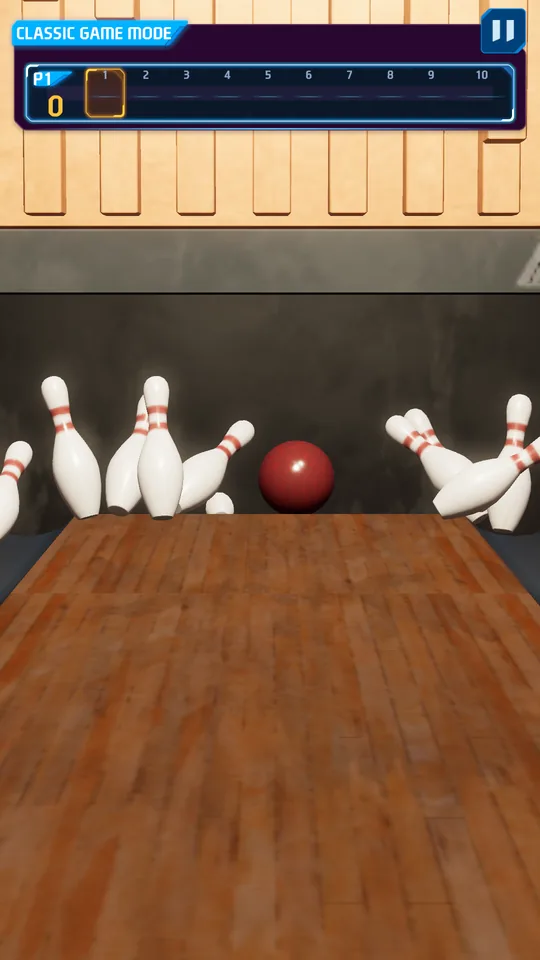
How to pick up a spare
To practice, the SHARP AIM pack has challenges where you knock down an exact number of pins, like SOFT TOUCH: exactly 1 pin with your first ball. The SPARE HUNT pack has spare challenges, like RESCUE: a spare after leaving 4 or more pins standing. Some challenges even count throws without a gutter ball.
How to level up faster
Play new challenges first: they give their full XP only the first time, and 20% when you replay them. On the results screen, an optional video doubles the XP from that game. All the packs, balls and achievements are in challenges, balls and achievements.
Strikes and spares in the game
Bowling Stryke uses ten-pin bowling rules: 10 frames and 10 pins.
- Strike: worth 10 plus the pins from your next two rolls.
- Spare: worth 10 plus the pins from your next roll.
The game celebrates every strike and every spare on screen.
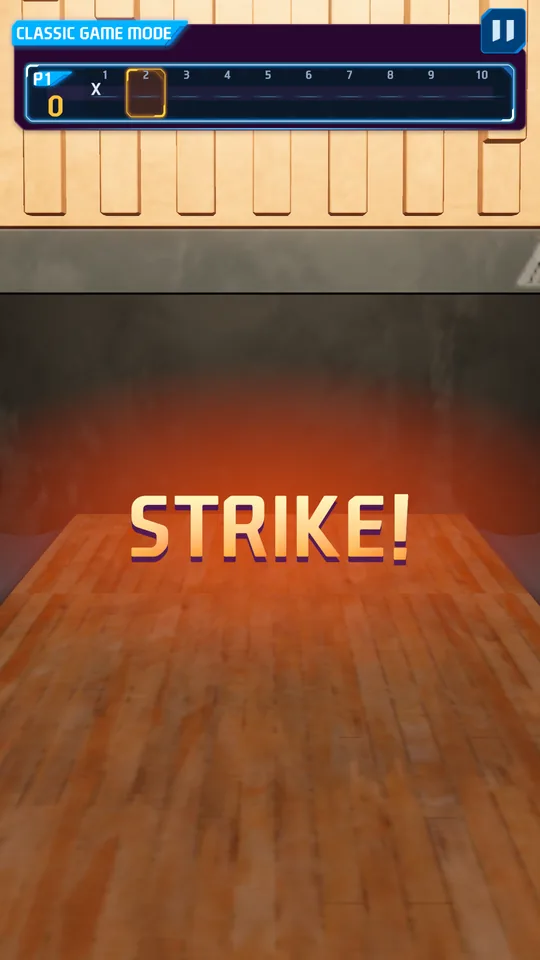
See how a strike is scored frame by frame, or try any game on the Bowling Stryke scoreboard.
When the game counts the pins
The game waits for the pins to stop before it counts them. It takes about 3 to 4 seconds from the throw to the count. Pins left leaning are set back upright, just like the pinsetter at a bowling alley.
The tenth frame
The tenth frame is different. If you get a strike or a spare, you keep bowling: up to 3 balls in that frame.
That's why a perfect game is 300 points: 12 strikes in a row, one in each of the first nine frames and three in the tenth.
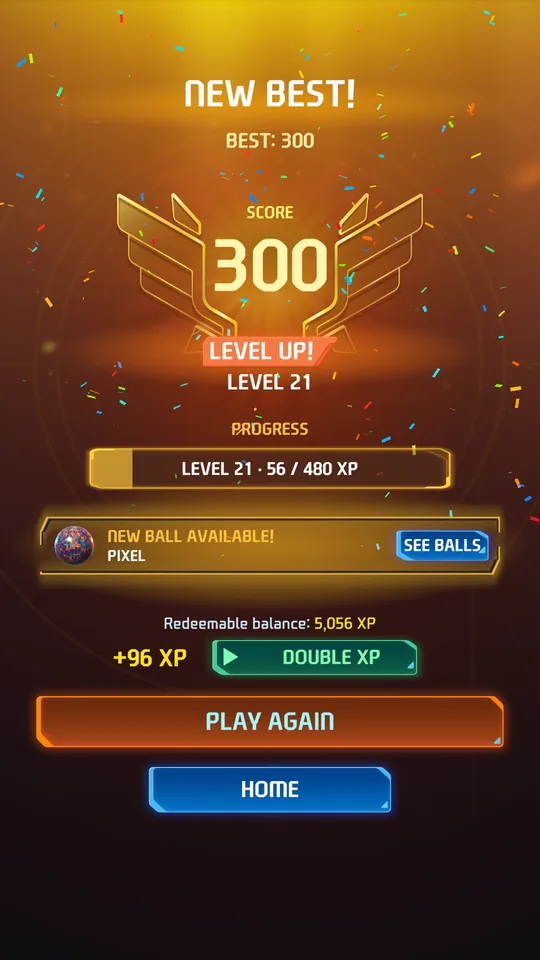
Two challenges are built around this frame: CLEAN FINISH asks you to close it with a strike or a spare, and GOLDEN FINISH asks for 3 strikes in it.
Three strikes in a row: the turkey
Three strikes in a row make a turkey. Bowling Stryke celebrates every strike, and a double (2 in a row) and a turkey get their own celebration. Your best strike streak is saved in the game's stats, on your phone.
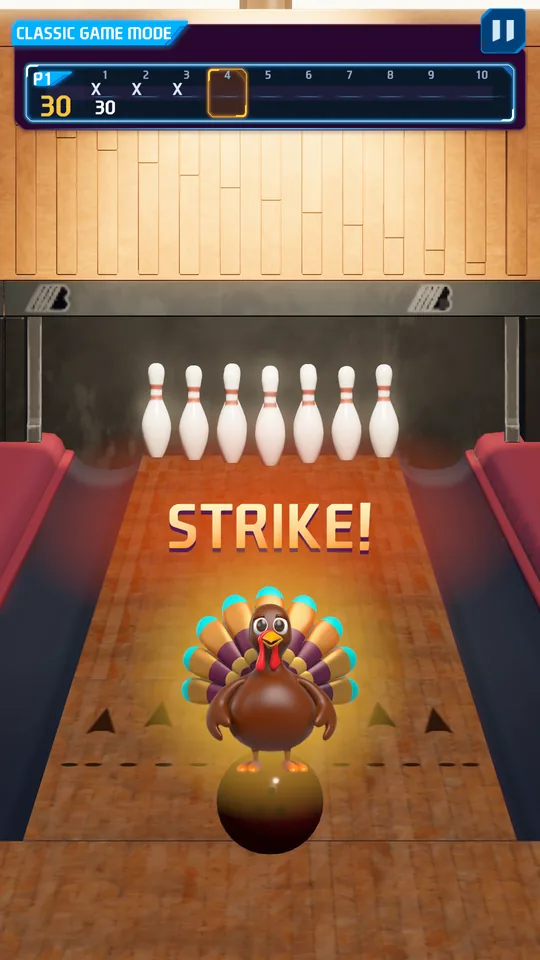
The turkey is also a challenge: TURKEY, in the STRIKE STORM pack, gives 320 XP.
Two players on the same phone
The classic game in Bowling Stryke, a free 3D bowling game for Android is for 1 or 2 players, taking turns on the same phone.
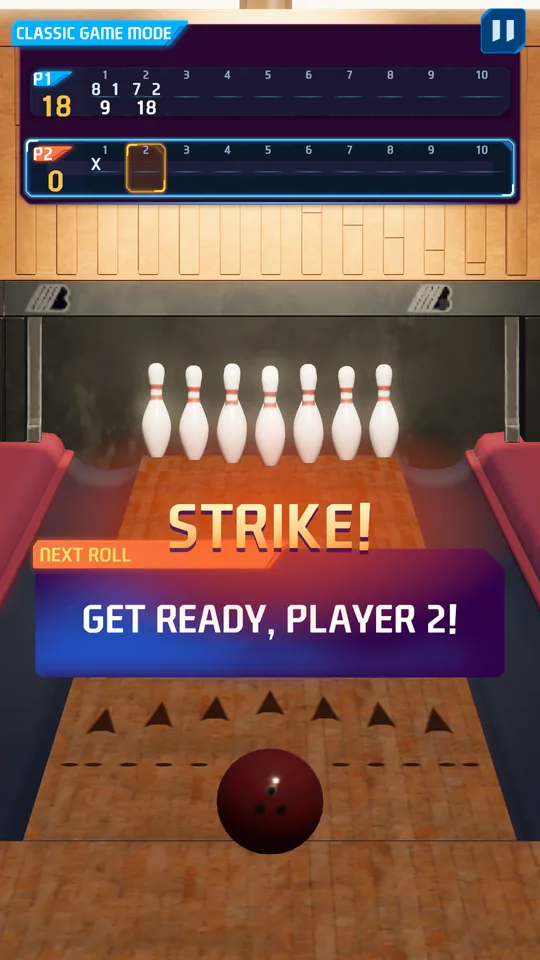
In two-player games, XP is based on the better of the two players.
Bowling Stryke plays offline. Without internet there's no leaderboard, achievements or ads, but the classic game works just the same. Still deciding what to install? See our comparison of bowling games for Android, based on Google Play data. More questions? Check the Bowling Stryke FAQ. Reviewed on November 20, 2026.
Free, with ads and no in-app purchases. Android 7.1 or later.