What a build is in Unity.
In Unity, a build turns your project into an app that runs on one target platform. Unity can build an application for different platforms with unique configurations, using build profiles in the Editor. A development build is the variant we hand over during production, so testers can report problems on real devices. The release build comes at the end, once the game is stable.
Our build process, step by step.
Prototype build
The core mechanic running on the target device.
Development builds
A new build at the end of each phase for testing.
Simulator checks
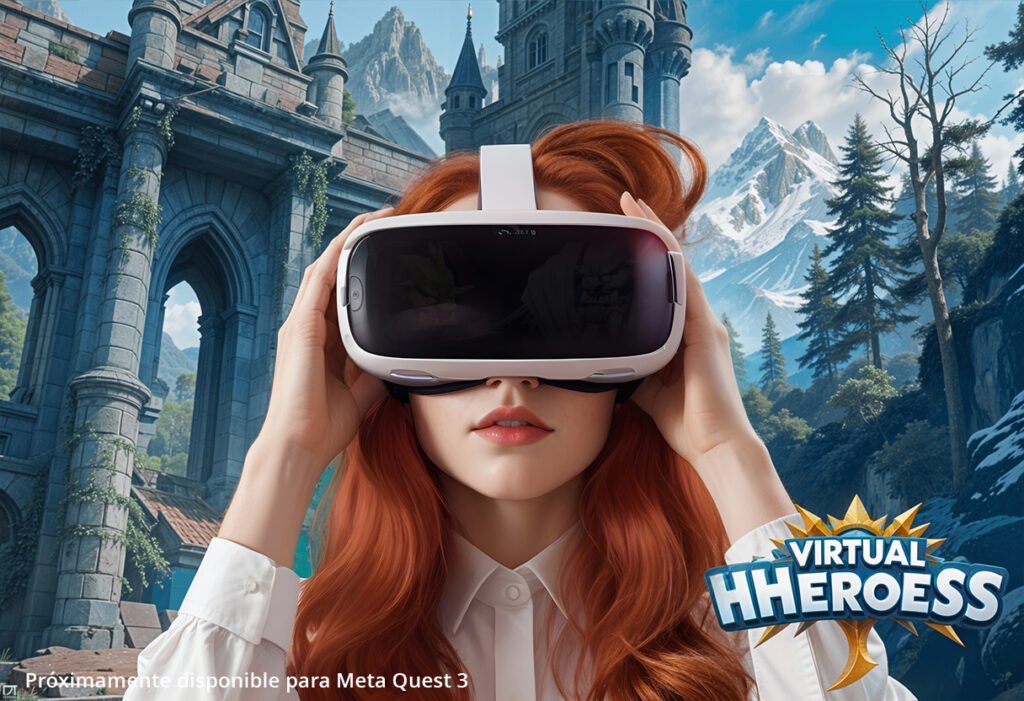
For VR, Meta XR Simulator lets developers test without a headset.
Platform builds
A separate build profile for each store.
Release build
Optimised, signed and ready for store review.
Development build or release build?
Both come from the same project. The difference is what each build is for and who uses it. We keep both in one pipeline, so nothing has to be rebuilt by hand before launch.
| Aspect | Development build | Release build |
|---|---|---|
| Purpose | Testing during production | Publishing to players |
| Audience | Your team and testers | The public |
| Debugging | Profiler and logs available | Stripped for performance |
| Frequency | Every phase | When a version is ready |
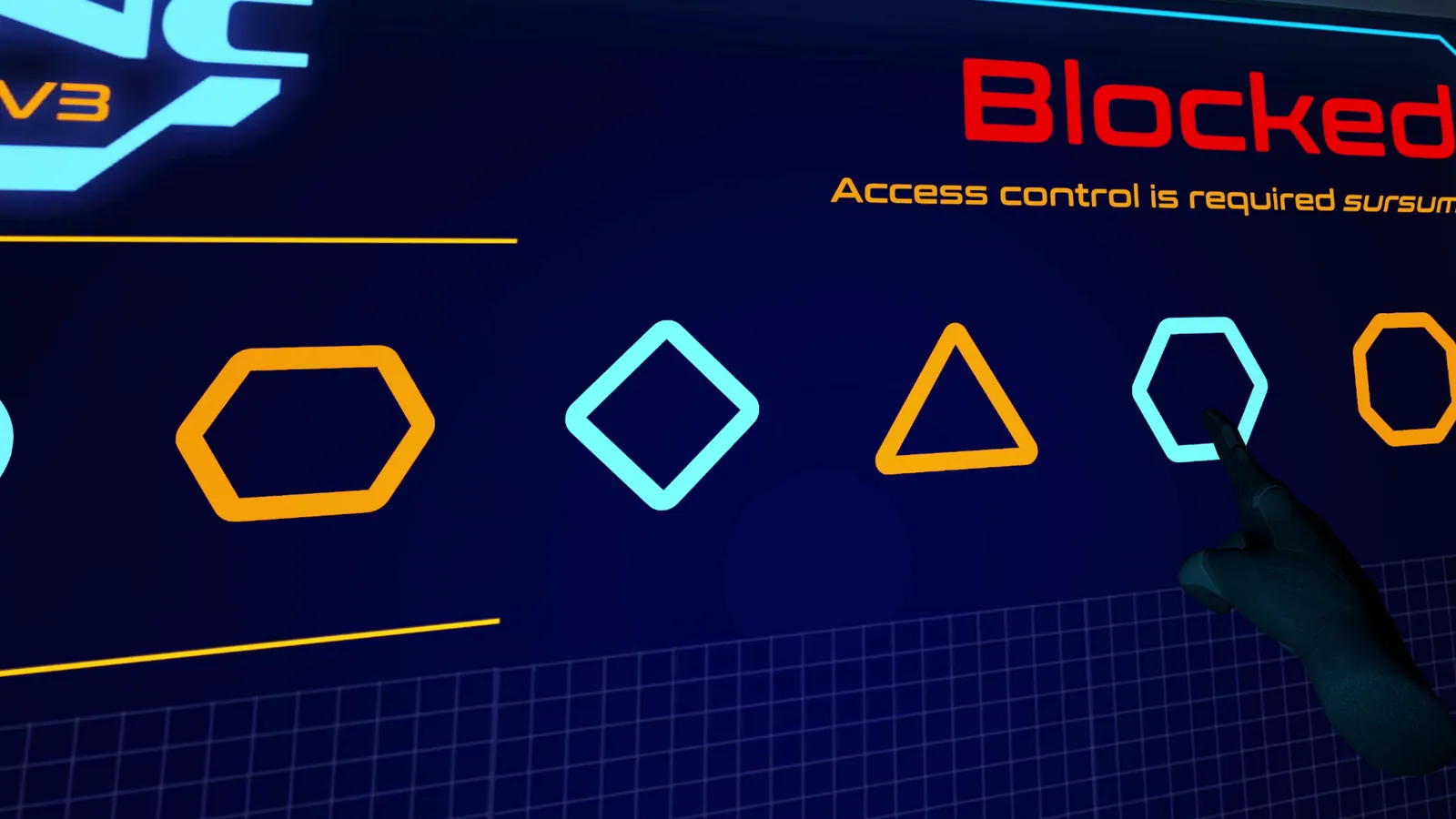
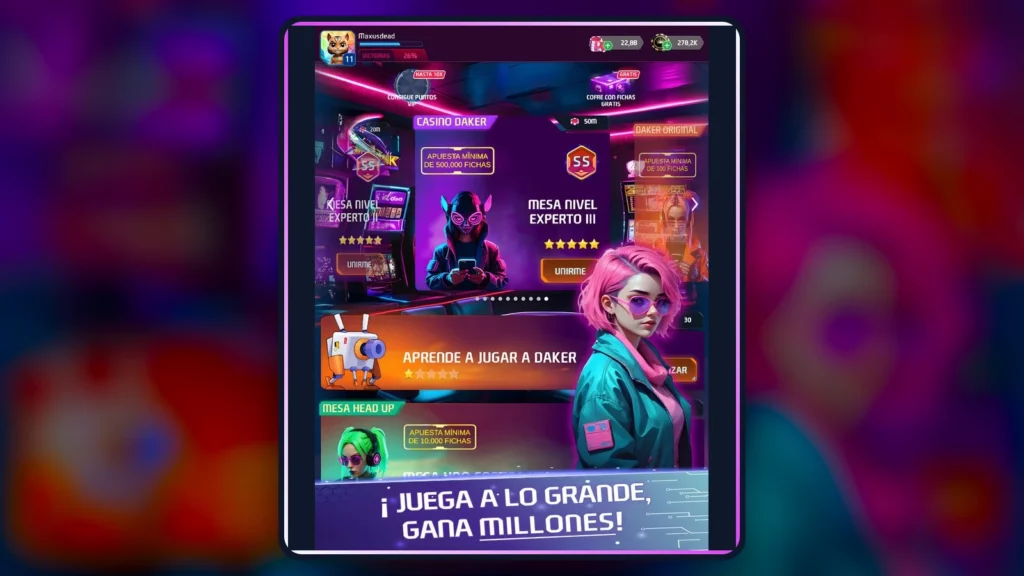
Games we have taken from build to release.
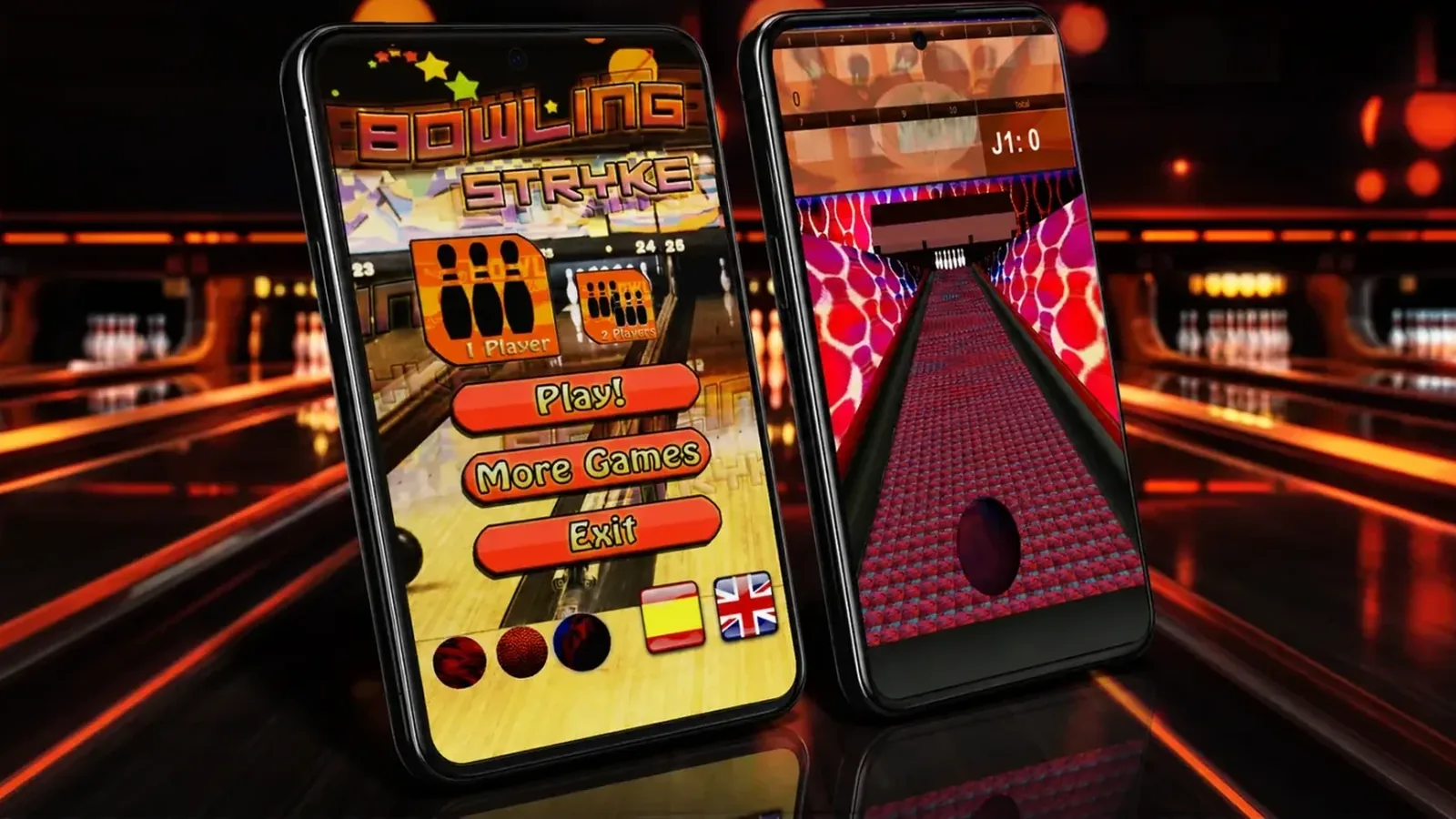
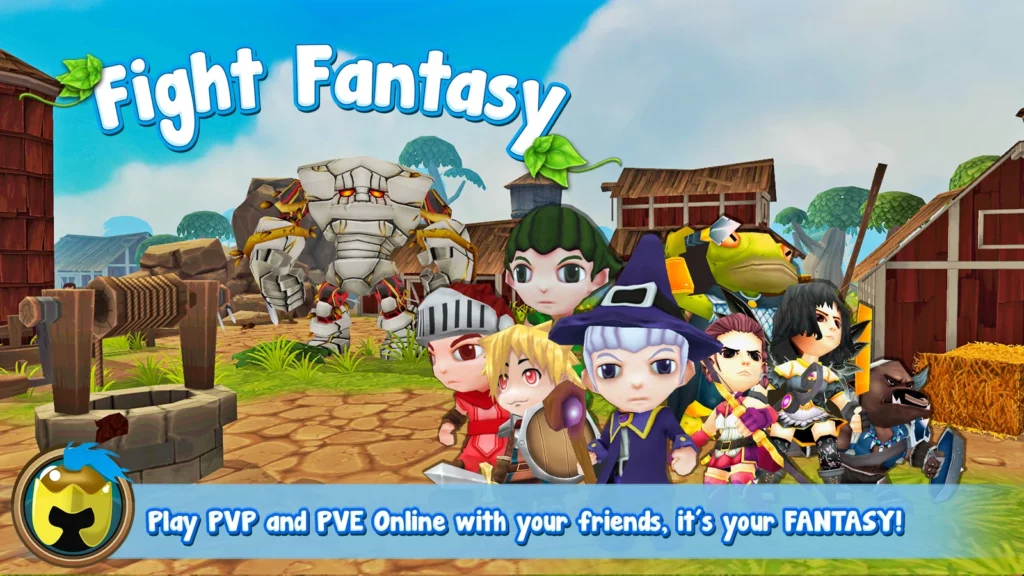
Our Android arcade game Bowling S. Arcade Sports Game (Spanish only) is one example. It has touch controls and offline play. We wrote up its development in an article on making a bowling game for Android with Unity (in Spanish). For work across platforms, see how we structured a multiplatform RPG in Unity (in Spanish). Unity supports most leading desktop, web and mobile platforms.
Frequently asked questions.
Yes. We share builds for Android devices, PC or Meta Quest so your team can test.
Yes. Unity provides C# scripting workflows to control every element of an application.
Yes. Unity’s Netcode for GameObjects is one way to add it to GameObject-based projects.
Yes, in Spanish. See our guide to designing a level editor in Unity.
Related projects.
Real OverFuture work on this topic. The project pages are in Spanish.