
The short version.
Making a VR app starts with one question: what must the user do inside the headset? Everything else follows from that task. Unity’s manual describes VR as an application that simulates a self-contained environment around the user. Our job is to make that environment useful, comfortable and fast enough on the device.
Who does what
Making VR takes several skills, and even a small project needs all of them. On our projects the same team covers development and testing, so feedback reaches the code quickly. This is how the work usually splits.
| Skill | What it covers |
|---|---|
| VR development | Interaction, performance and builds |
| 3D content | Scenes and objects for the headset |
| Testing | Comfort, bugs and device checks |
| Publishing | Store listing and review |
Six steps to a VR app.
Goal
Define the task, the user and how success is measured.
Prototype
One scene on the target headset, early.
Interaction
Hands, controllers or physical devices.
Testing
On the headset and in tools such as Meta XR Simulator.
Content
Remaining scenes, 3D assets and sound.
Release
Store submission and launch.
Standards and store release.
We build in Unity with OpenXR. Unity’s documentation describes OpenXR as an open, royalty-free standard from Khronos that lets developers target a wide range of devices. Meta also documents a Unity route for building and shipping apps for its headsets. Plan the launch date with review in mind, because Meta advises submitting at least two weeks before launch.
Frequently asked questions.
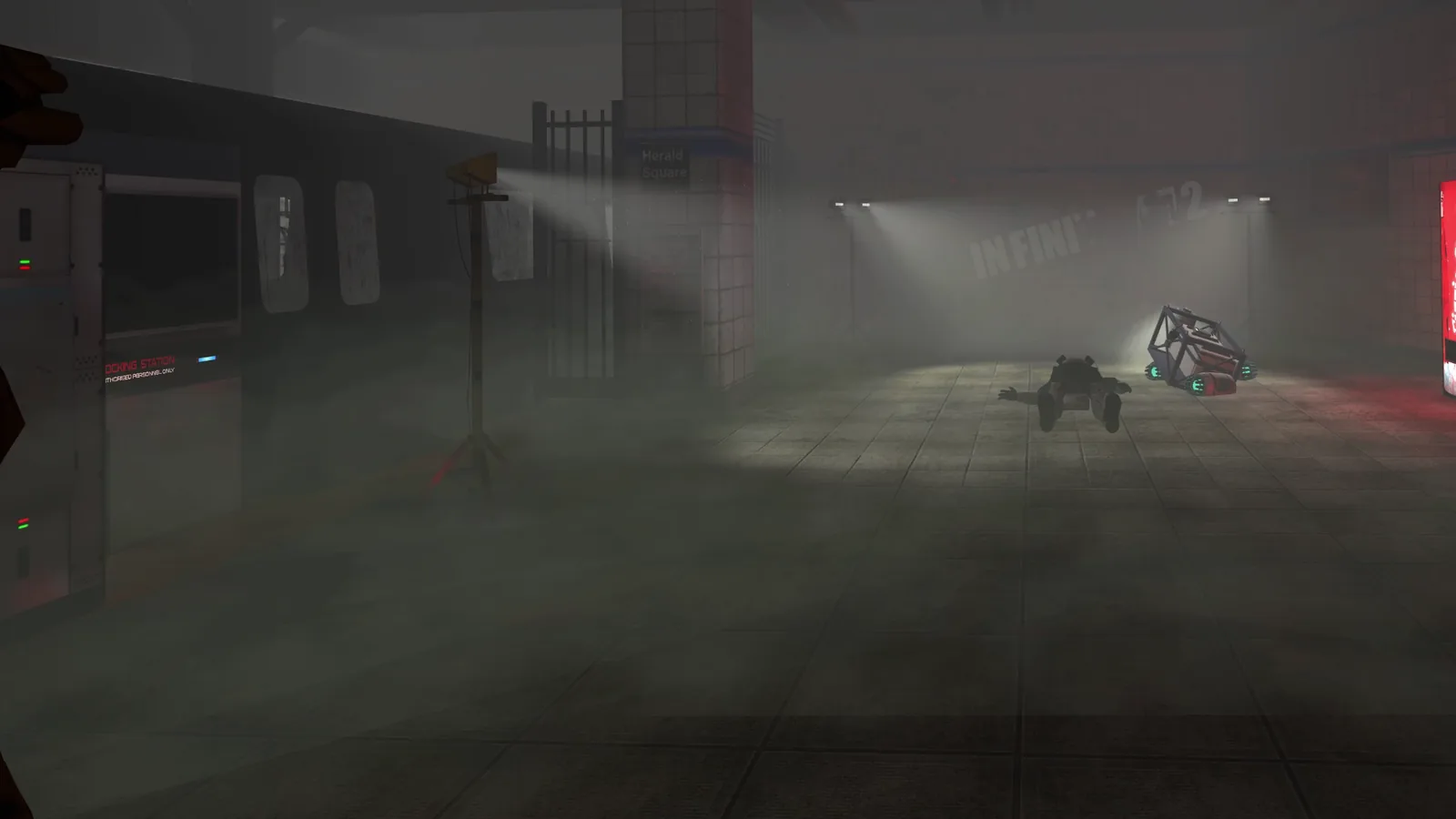
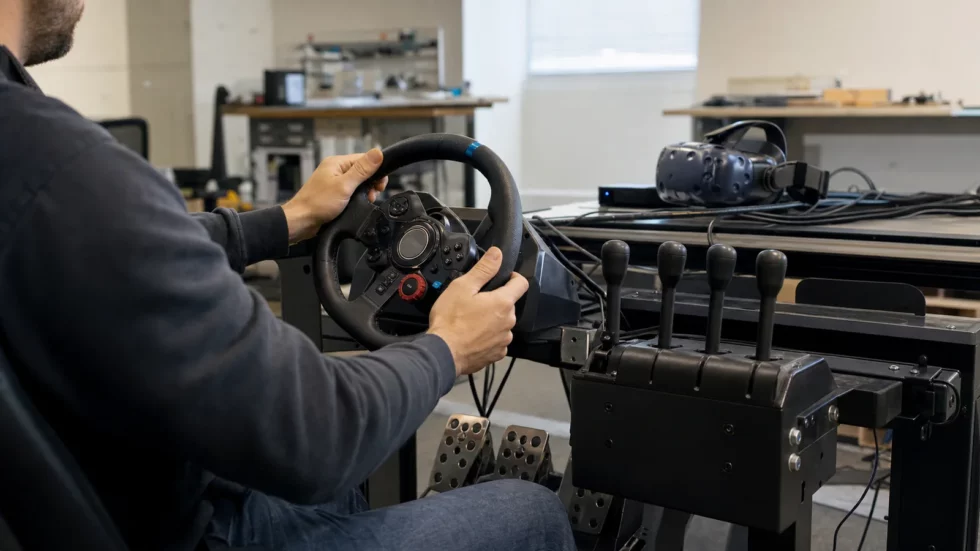
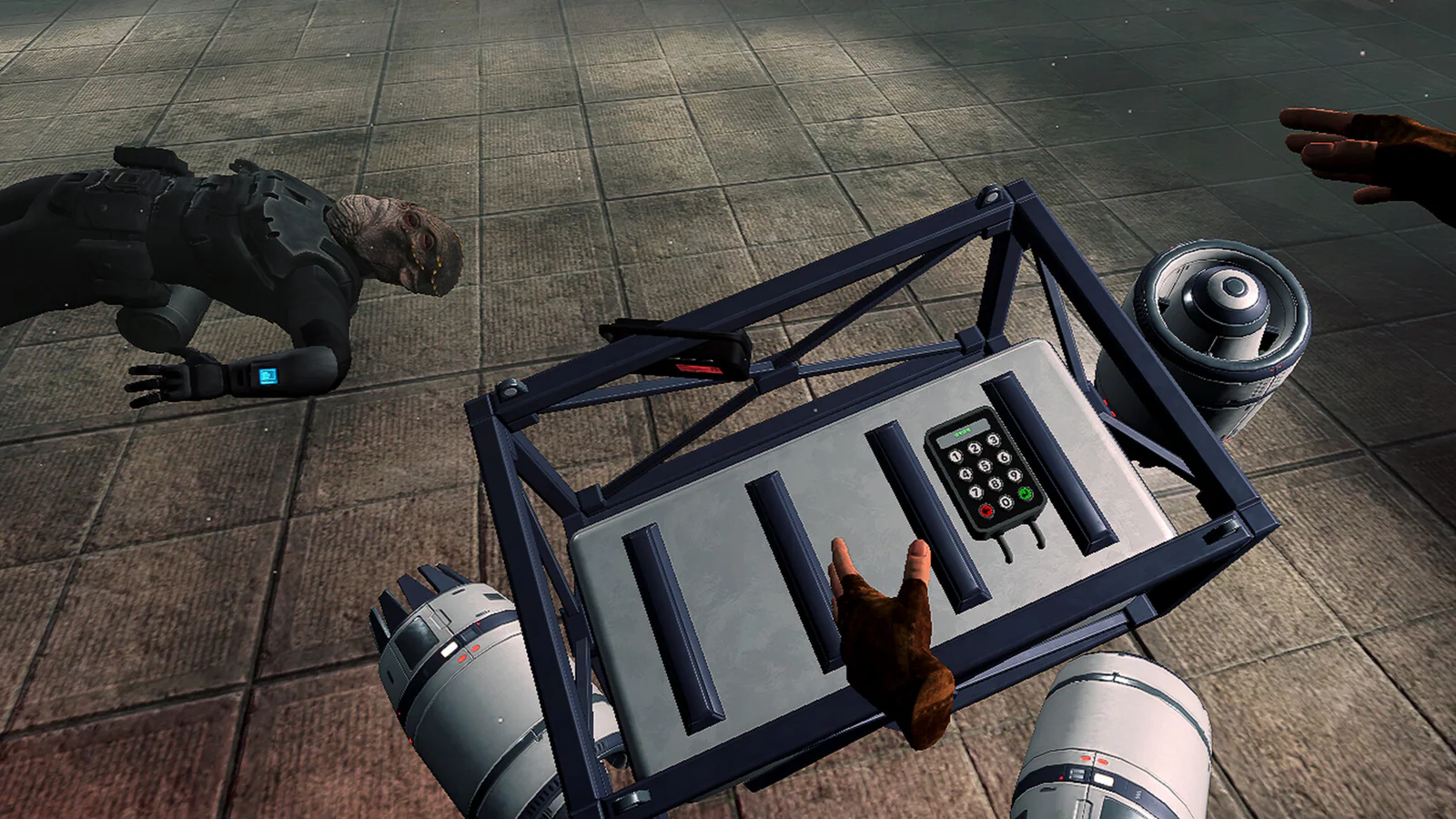
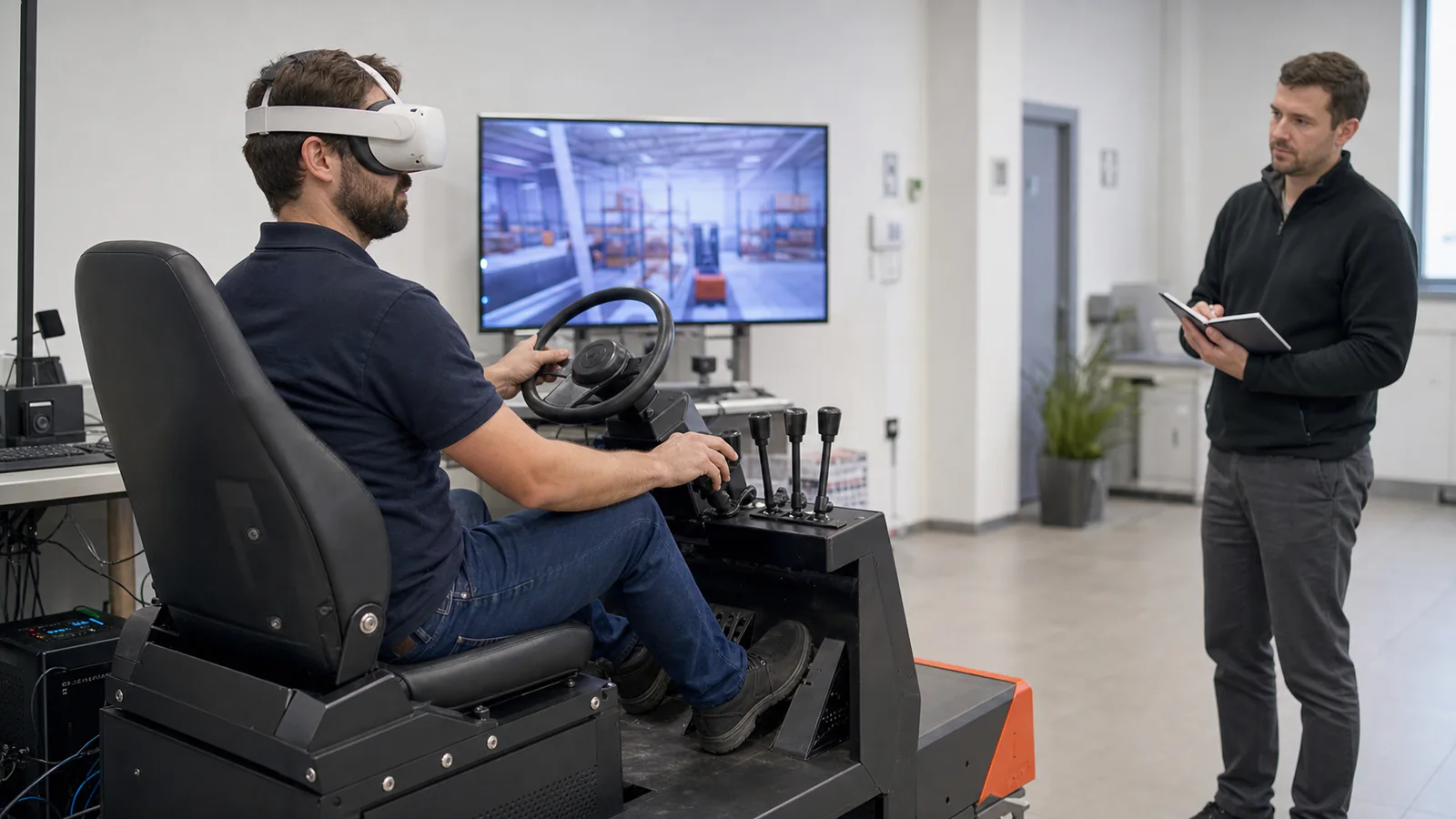
Escape the Urban Underground, our own VR escape room, and a VR forklift simulator. Both project pages are in Spanish.
It helps to test on the devices your users will have. We can advise on which ones to buy.
From €4,500, VAT not included. Scenes and interaction drive most of the cost.
Related projects.
Real OverFuture work on this topic. The project pages are in Spanish.
VR developmentHire VR developersFrom Unity development build to releaseMeta Quest development (ES)Virtual reality training for companiesHow to choose a virtual reality companyBenefits of virtual reality trainingVirtual reality simulation with physical controlsHow to choose simulation-based VR trainingUnity game development company in SpainGamification for companies