Building a bowling game for Android means turning a familiar physical movement into a short touch gesture. The swipe, the physics and the scorecard have to feel like one single action.
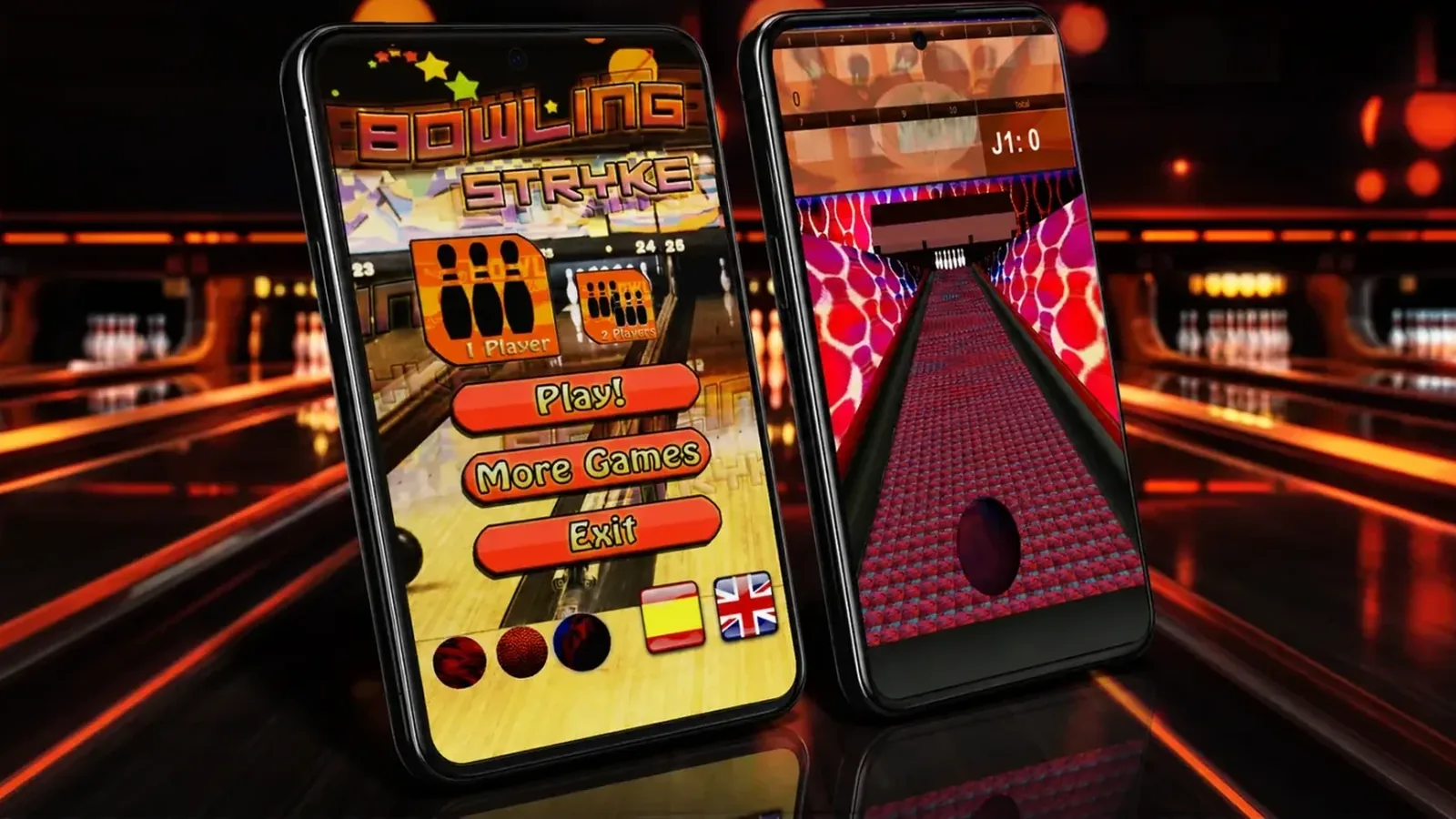
We know this from Bowling Stryke, our bowling game for Android, listed on Google Play as Bowling Game – Stryke 3D (Bolos – Bowling Stryke 3D in Spanish). Here we explain how it was made, and why version 5, which we are preparing in Unity 6, started by fixing the physics. What the game is and how it plays is on the Bowling Stryke product page. The project summary is on its project page (in Spanish).
A simple game players enjoyed for years.
Bowling Stryke is a 3D bowling game by Androtiyas and OverFuture. It plays offline, in quick games for one or two players who pass the phone between turns. It has reviews going back to 2014, and its latest published version is 4.0.1.
That simplicity was what we had to keep. Version 5 is being rebuilt in Unity 6 with challenges, progression and five languages.
The game itself stays the same. You pick up the phone, throw and watch the pins fall.
The day the pins fell over on their own.
When we picked the project up again for version 5, the game compiled and the tests passed. But every throw counted as a strike, because the pins fell over as soon as they were released, even without a ball.
Two causes added up. Each pin’s centre of mass sat outside the pin itself, and its collider had a hemispherical base, so it could not stand upright. Fixing only one of them was not enough.
For the same reason, the pins never stopped moving and each throw closed on a timer, after 20 seconds. In one test, a perfect game piled up more than five minutes of waiting.
Settling the impact as a sequence.
The first contact does not end the throw. The system has to let the collisions finish, identify which pins are still standing and update the scorecard once the state is stable.
Closing too early clears the pins before the reaction is visible, and closing too late breaks the rhythm. The transition needs conditions, not just a fixed timer.
That is what the new resolver does. It only watches the pins still standing and closes the throw once 0.45 seconds pass without impacts and they have been still for 0.3 seconds. It never waits more than 4 seconds after the last impact. It counts each pin by its position and orientation, and stands up any that are left leaning, as the machine at a bowling alley would.
In tests, the time from throw to count is now between 3.1 and 4 seconds.
A useful test: repeat exactly the same throw and check that the result, the waiting time and the scorecard stay consistent with each other.
A full-size lane.
The physics of a bowling game depends on everything having the same relative size as in a real bowling alley. We measured the lane on the model’s mesh and set it at 18.29 metres from the foul line to the head pin.
The ball is 21.83 centimetres across and the pins are 38.1 centimetres tall. Ball, pins and lane share one scale, with no stretched parts anywhere in the scene.
Start with the gesture, not the effect.
The throw has to translate the finger’s position, distance and speed into parameters that make sense. If small variations produce extreme results, players cannot learn from one attempt to the next.
Before adding effects, it pays to visualise the calculated direction and test ranges of force. That instrumentation helps you see whether the problem is in the input or in the simulation that follows.
The path apart from the presentation.
The logic that moves the ball should not depend on the scorecard or on an interface animation. Keeping those jobs apart lets you tune the physics without breaking the flow of a frame.
It also makes specific cases easy to test, such as a centred throw, a side entry or contact with the gutter.
Modelling frame, throw and active player.
Rules work better when each state has one clear job. The throw records the result, the frame decides whether it continues, and the game switches player or moves towards the end.
This structure stops a button or an animation from changing several rules at once, and it makes a second player on the same phone possible. Scoring was the part of the project that worked best. A 300 game, the tenth frame and alternating between two players already gave the right result.
The same scoring logic powers our bowling score calculator. Enter your throws and see how strikes and spares add up.
Tests that actually throw the ball.
The project we picked up had more than 400 automated tests, and they all passed. The problem was that they checked the configuration, not the behaviour, and none of them noticed the pins falling over on their own.
The new tests really play. They place the pins without a ball and check that they stay upright. Then they make 12 varied throws, alternate two players and play a full game. The last one chains 12 strikes and expects a 300.
A game you can hear.
One of the most common complaints in the reviews was that there was no sound. The cause was easy to find once someone looked for it. The game scene had no AudioListener, the component that picks up sound in Unity.
We added it, and the volume settings work again. It is a good example of what you gain by looking at a game through the player’s eyes, not just at the code.
An interface that does not cover the lane.
On a phone, every layer of information competes with the playing area. The scorecard has to be readable without hiding the direction of the throw or the position of the pins.
Choices are grouped before players step onto the lane. During the game, the screen keeps only the turn, the score and the essential actions.
In version 5, the interface lives in saved prefabs and scenes, with uGUI and TextMeshPro, and no code generators that rebuild it.
Challenges and progression as data.
Version 5 adds challenges, levels and a ball selector. Balls are unlocked with the experience points the game awards, with no real money involved. The full list is on the Bowling Stryke product page.
Balls, levels and challenges are defined as data with ScriptableObjects. They are never hard-coded or built into the interface. That way they can be tuned without touching the game itself, and the high score from version 4.0.1 carries over to the new profile.
A control that feels right on a phone can feel different on a tablet. It is worth testing different pixel densities, aspect ratios and refresh rates, as well as devices with limited resources.
Validation covers loading time, gesture response and scorecard readability.
And it continues whenever Android, Unity or the publishing requirements change.
If you are commissioning a physics-based game, ask for automated tests that really play, not just tests that check the configuration. And ask to see how long each throw takes to resolve.
What we learned.
A game can compile, pass its tests and still be broken. Physics is checked by throwing the ball, and sound by listening to the game.
We also learned to measure before tuning. The lane’s scale, the waiting times and the pin count came from measurements, not impressions.
It is how we work on every Unity mobile game we build from Zaragoza.