A level editor turns a game’s rules into a tool that anyone can understand. To be fun, placing a piece has to be easy. To be reliable, every creation needs validation and saving.
We learned that with Wondy World, the 2D platformer by Androtiyas that reached Google Play in 2014 with a creative mode for building and sharing levels. This article explains how that editor was built and which decisions apply to any game. You can try a version of the editor in your browser on the Wondy World product page. The project summary is on its project page (in Spanish).
A platformer with a creative mode.
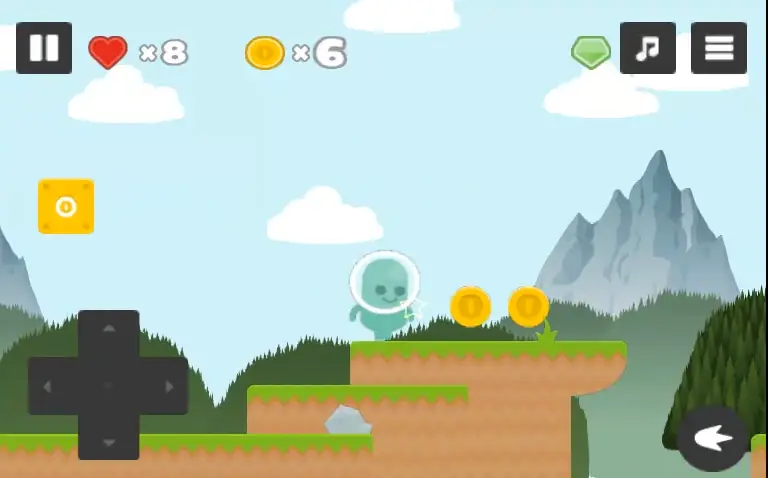
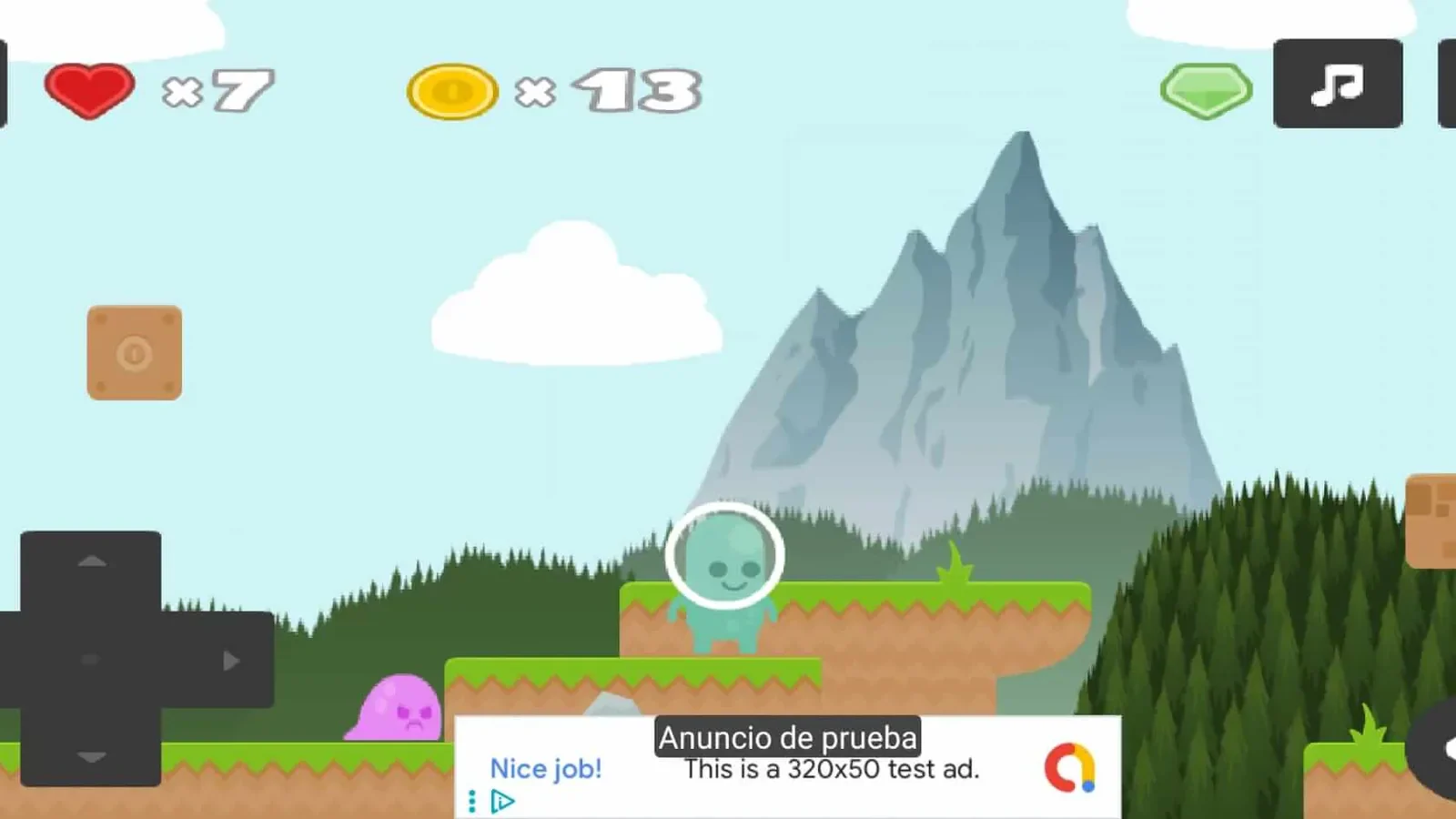
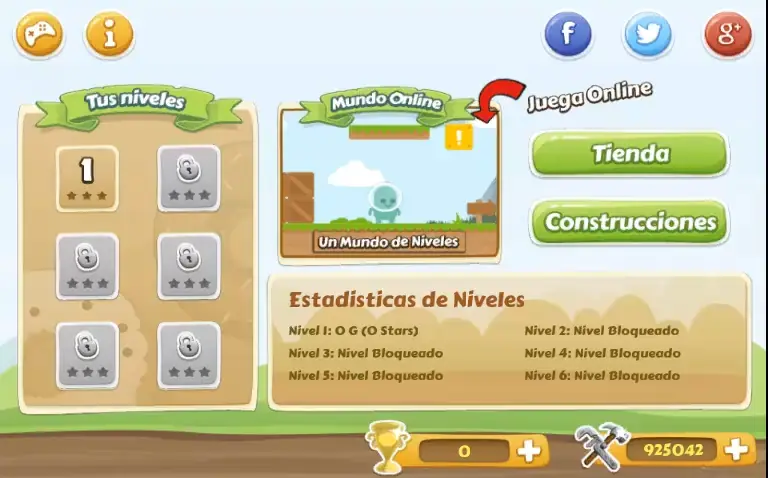
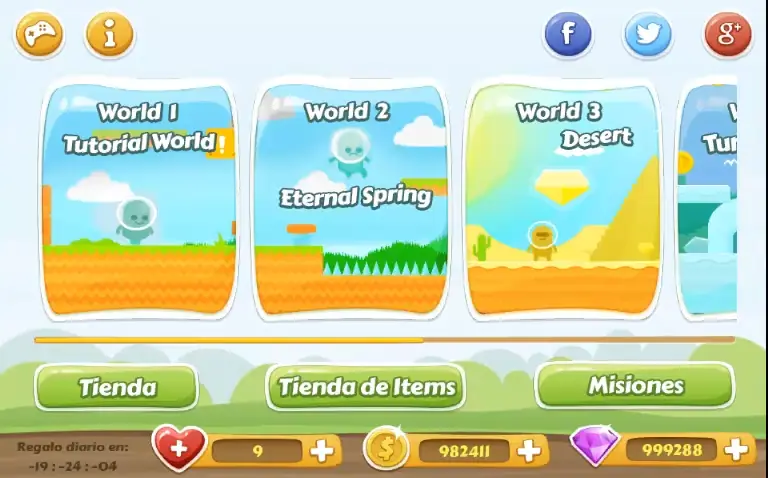
Wondy World has six worlds, from Tutorial World to Final Fire, with quests, items that change the character and an online leaderboard. The creative mode lives inside the same game, with its own menu for your levels and other players’ levels.
In the Google Play reviews, the creative mode was what people mentioned most. It was the part that made the game different, and the part that needed the most care.
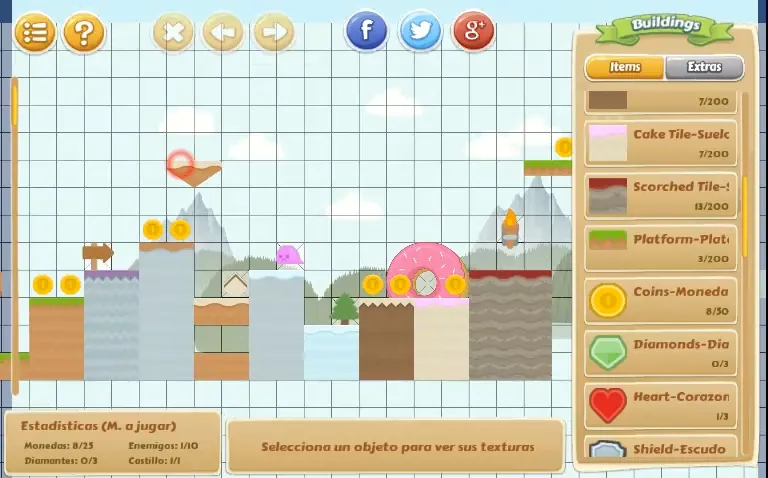
A grid of cells.
The editor works on a grid. The starting map measures 70 × 15 cells and grows as objects are placed, so players do not have to choose a size before they begin.
Pieces are sorted into eight families, from the character and buildable blocks to enemies and extras.
The piece apart from how it looks.
Each element needs a stable identifier, a set of rules and a small number of parameters. Its drawing or model can change later without breaking levels that have already been saved.
In Wondy World, a level is saved as text. It holds the background, the sound and every piece with its identifier and its cell. The same text opens for editing or for playing, and that is what makes a level shareable.
Validating while you build.
An editor should warn you when an exit is missing, two pieces overlap or the goal is cut off. Showing the problem next to the element that causes it helps far more than rejecting everything when you press Save.
The Wondy World editor marks invalid positions before a piece is placed. Each piece in the palette shows the maximum you can place, for example 200 tiles, 30 coins or three diamonds.
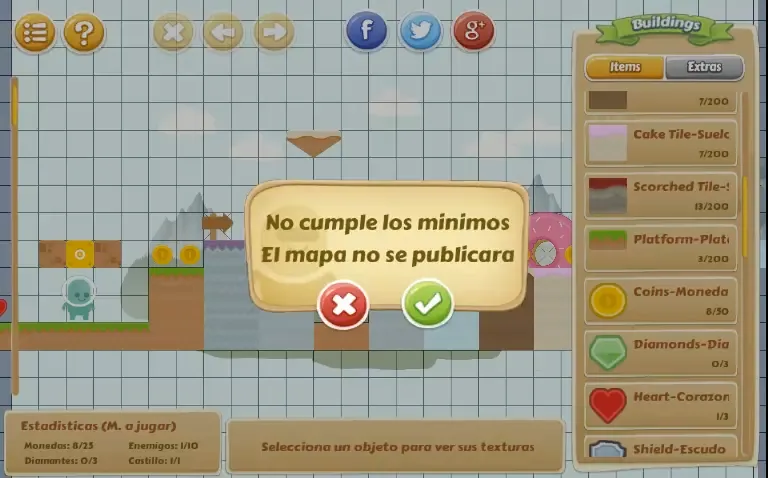
A minimum before publishing.
As well as a maximum per piece, there is a minimum before saving. A level is only saved if it has at least 25 coins and 10 enemies. The editor keeps count on screen the whole time. If something is missing, a clear message says the level does not meet the minimums and will not be published.
That rule is about design, not technology. It stops empty levels from being published and makes sure every creation has something to play, without players having to read a rulebook.
Testing with the game’s own rules.
Test mode has to load the same physics, the same enemies and the same conditions the player will see. A simplified simulation might accept an impossible jump or hide a dead end that only appears after publishing.
That is why the Wondy World editor invents nothing. It uses the pieces and rules that players have already learned in the campaign.
Editing without fear of losing work.
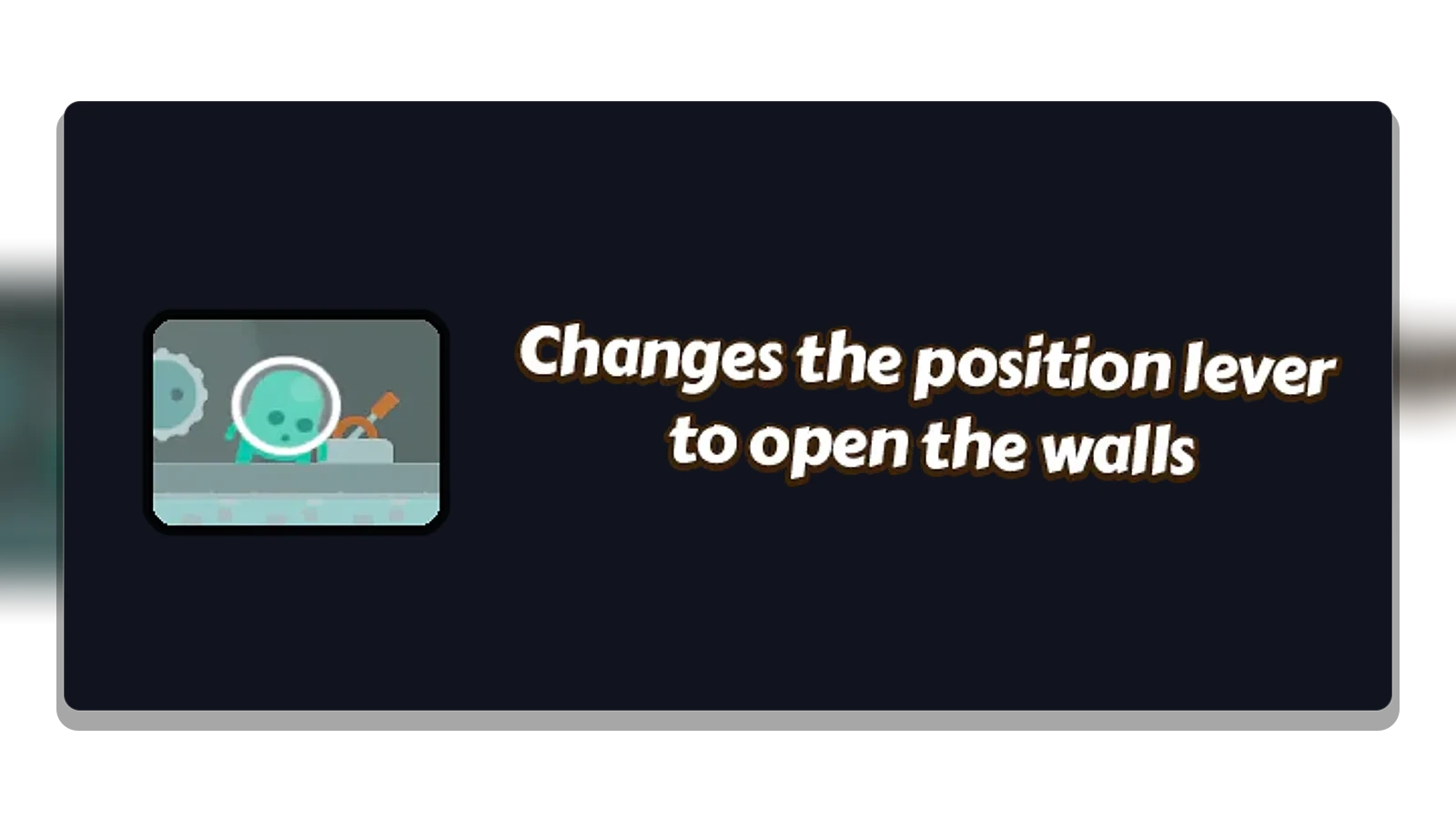
Undo, redo and saved drafts let people experiment without being punished for every mistake. It also helps to keep a thumbnail and the date of the last test, so each version can be recognised without opening it.
Versioned saves and data migration.
The save format should include its version, the pieces and only the parameters it needs. When the game changes, an explicit migration converts old data and flags which levels need a manual review.
If your game is going to have an editor, decide early what a valid level is and make the editor check it while people build. And save levels in a versioned format, so they keep opening when the game changes.
What the store taught us.
In February 2022, Google removed the game from Google Play. The reviewer needed login details to get in, because the creative mode required an account, and did not have them.
It is a lesson we repeat in every app with a login. Give the store’s review team a test account, or let that part of the app work without one.
Wondy World is now on its way back to the store. In July 2026 we moved the project to Unity 6, with in-house tools that check the interface and the Android build.
From prototype to creative tool.
Wondy World combines adventure, progression and creation in one product. The idea we keep from it is this: a good editor does not add new rules, it teaches the game’s own.
If your project needs an editor for players or for your team, we build it from Zaragoza as part of our Unity game development service. We did it again with Easy Chapter Generator, our tool for the Unity Editor.